How to Transfer Capital One Miles
Last modified on
Reviewed by Tommy Durden
Before transferring points, use AwardTool to find an award, then confirm it with the loyalty program that will book it. Check the exact dates, seats for every traveler, each flight segment's cabin, the points price, and all taxes and fees. For hotels, confirm every night, room type, and guest count. A search does not reserve availability. These screenshots illustrate U.S. transfer workflows; current labels and eligibility can vary by account.
1. Confirm the award and choose its booking program
Choose the loyalty program that quoted your verified award; it can differ from the airline operating the flight. Check its booking, change, and cancellation rules. If it offers an award hold, confirm the conditions and expiry. If the award disappears before you submit a transfer, stop and find another bookable option.
Sign in to Capital One online or in the app and open the rewards section for your eligible miles-earning card. The screenshots show the View Rewards and Rewards & Benefits screens; current labels can differ.
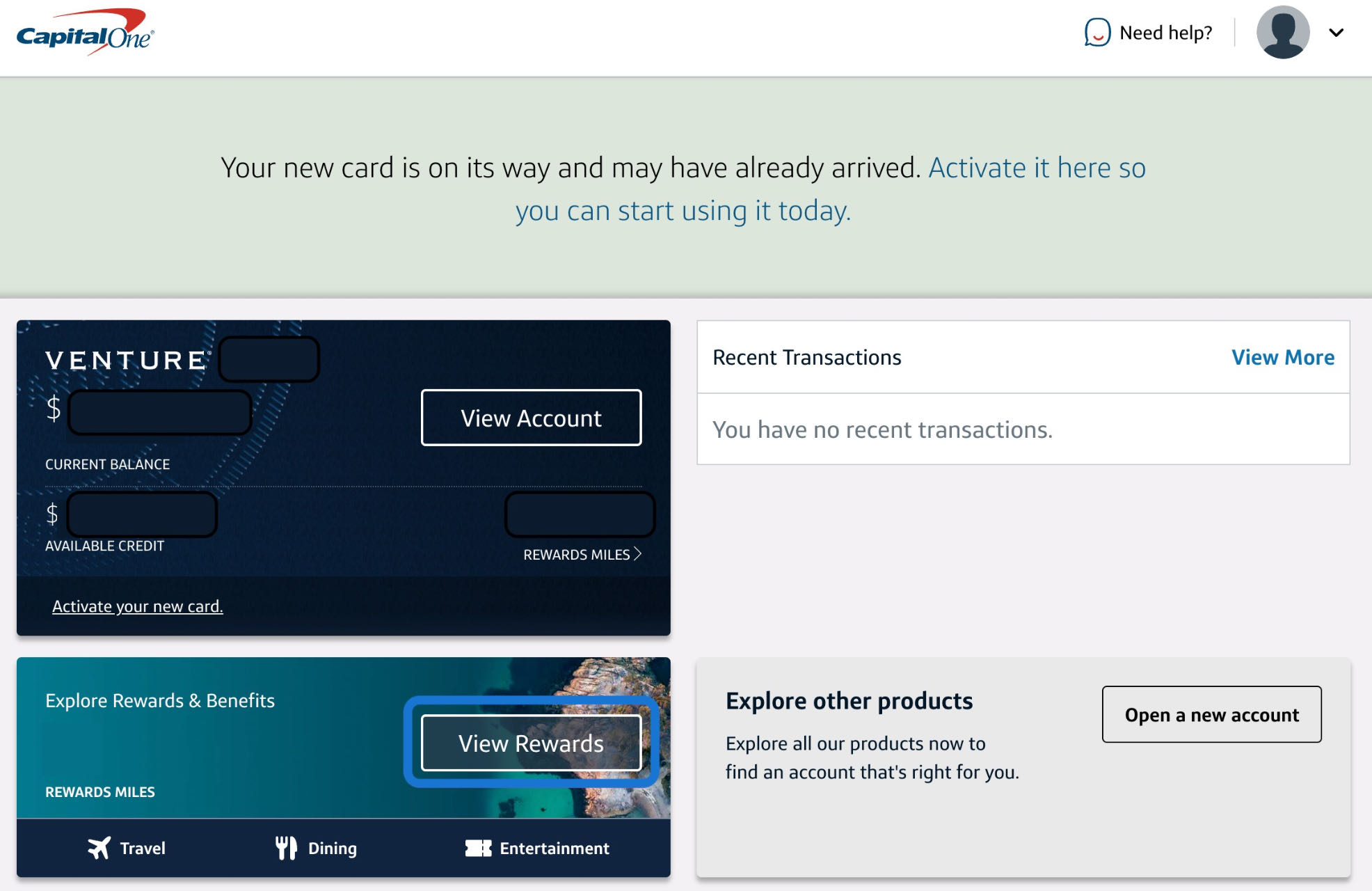
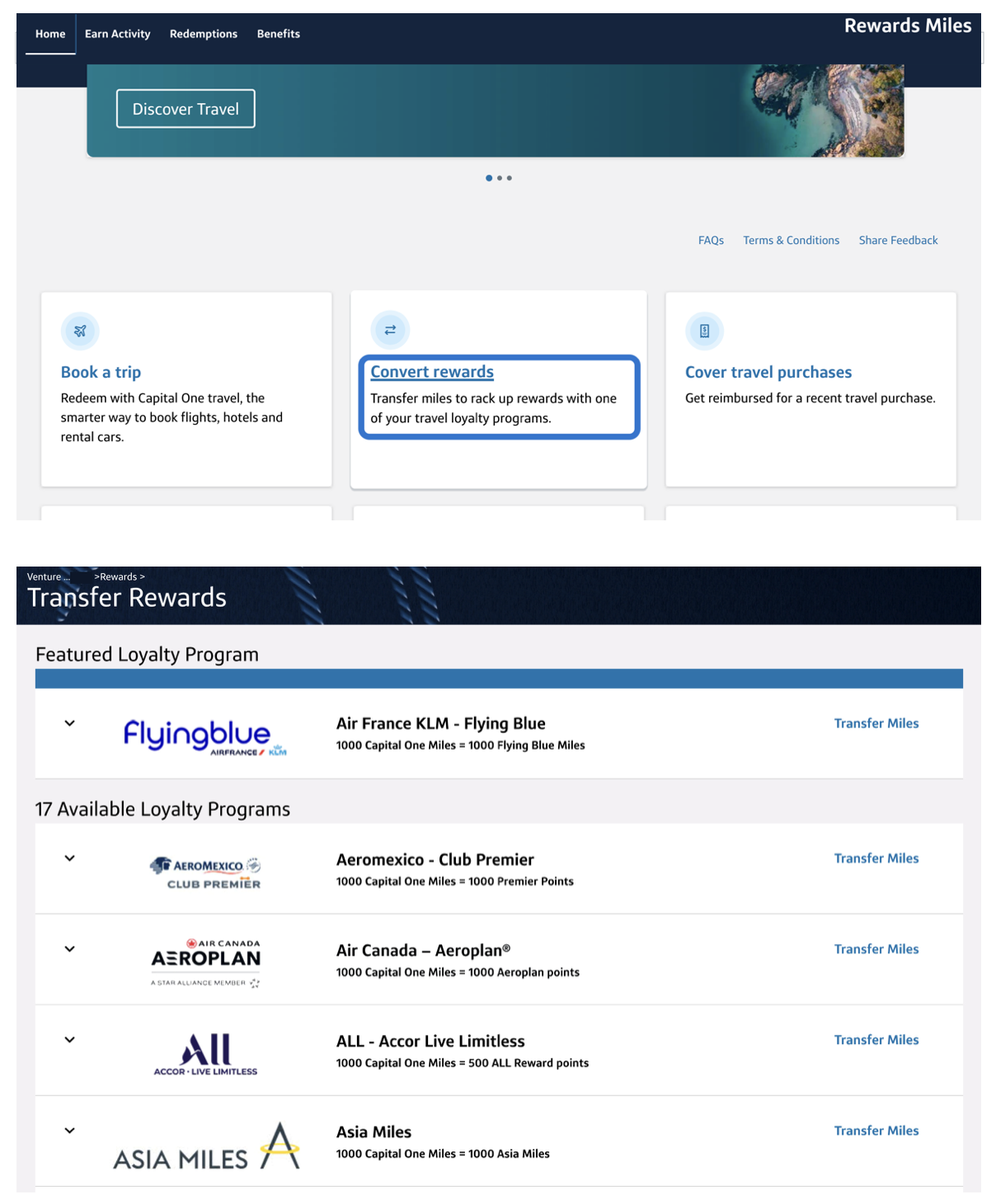
Choose the option to transfer or convert rewards to a travel partner. Review the current partner list and the conditions for the program you intend to use. This is different from making a cash booking through Capital One Travel.
2. Link the matching loyalty account
Enter the receiving loyalty account number and check the name. Capital One requires the name on your account to match the name on the travel loyalty account. Its published transfer minimum is 1,000 miles. Use the displayed ratio and increment to calculate the amount; conversion rates vary by partner.
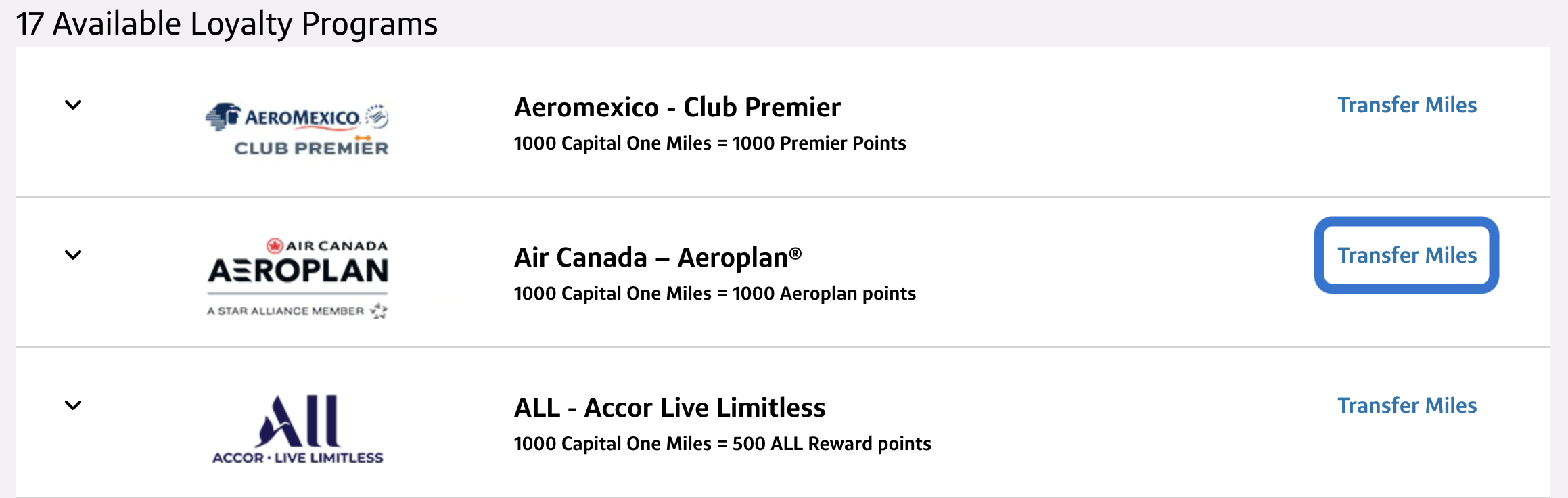
3. Review and submit the miles transfer
Recheck the award before submitting. Review the receiving program, account holder, membership number, transfer amount, conversion rate, processing estimate, and any fees. Account for your existing partner balance when choosing the amount. Follow the displayed minimum and increments, and read the final terms. Submit only when everything is correct: transfers are final under the applicable terms and do not reserve your flight or hotel.
4. Confirm the miles arrived, then book
Wait until the points have posted to the receiving loyalty account; a transfer request or email is not a posted balance. Recheck the same itinerary or full hotel stay, all travelers or guests, cabins or room type, points, and cash charges. Complete the booking with the loyalty program and verify that the ticket or hotel reservation was issued.
If points do not arrive within the stated processing period, check the transfer history and contact your bank or the receiving program with the reference before sending another request. Do not duplicate a pending transfer. If availability changes, the transferred points remain subject to the receiving program's rules. Keep the transfer record and final booking confirmation.
Need Help?
Contact support at team@awardtool.com